
Tesla Tips
First Time in a Tesla? Charging, Superchargers and FSD (Supervised), Explained
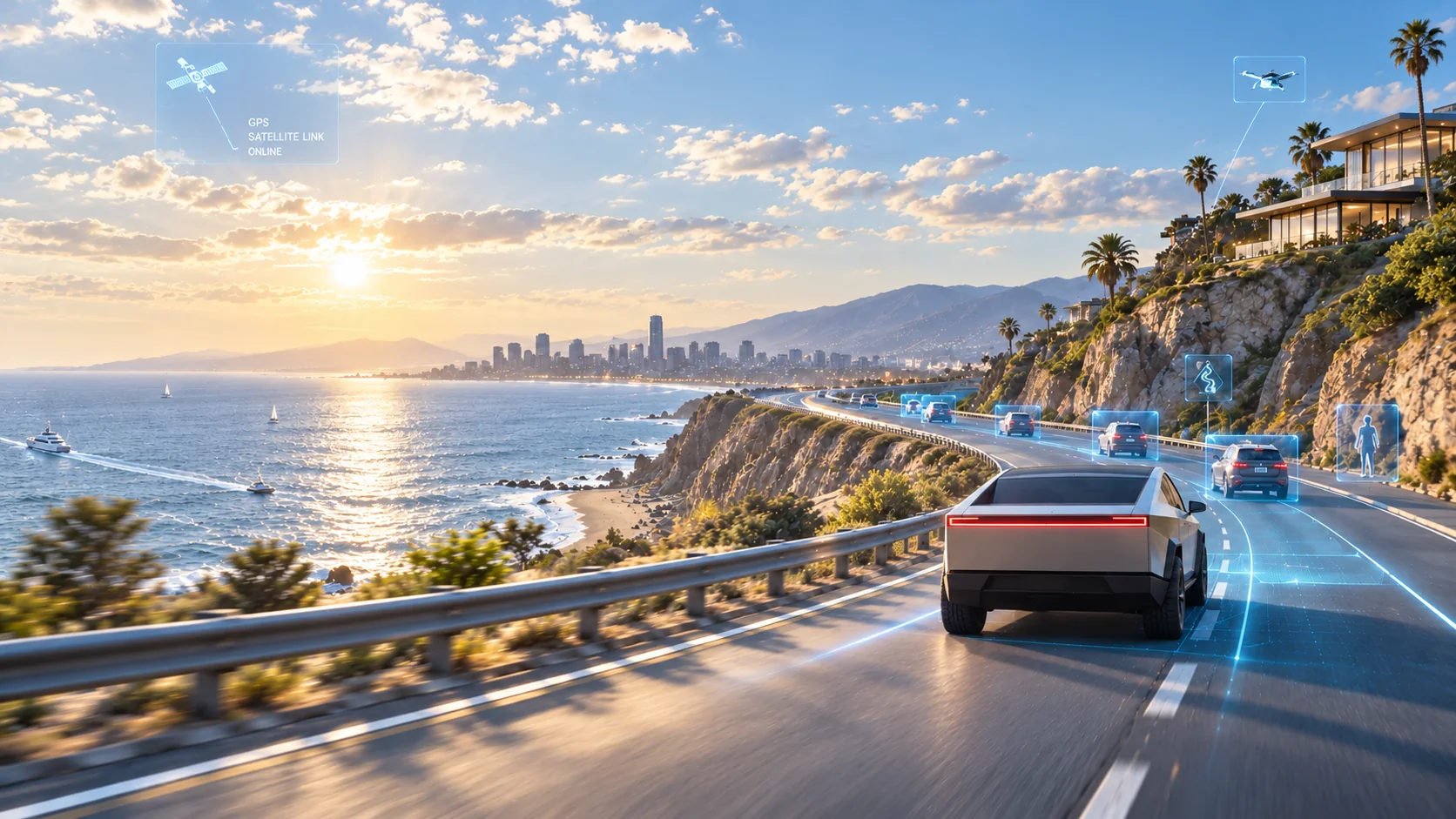
From plugging in at a Supercharger to switching on FSD (Supervised), here's what first-time renters ask on day one: how to charge, where to charge, how much is enough, and how to use driver assistance safely.

First-timer's guide
Plug in. Head out.
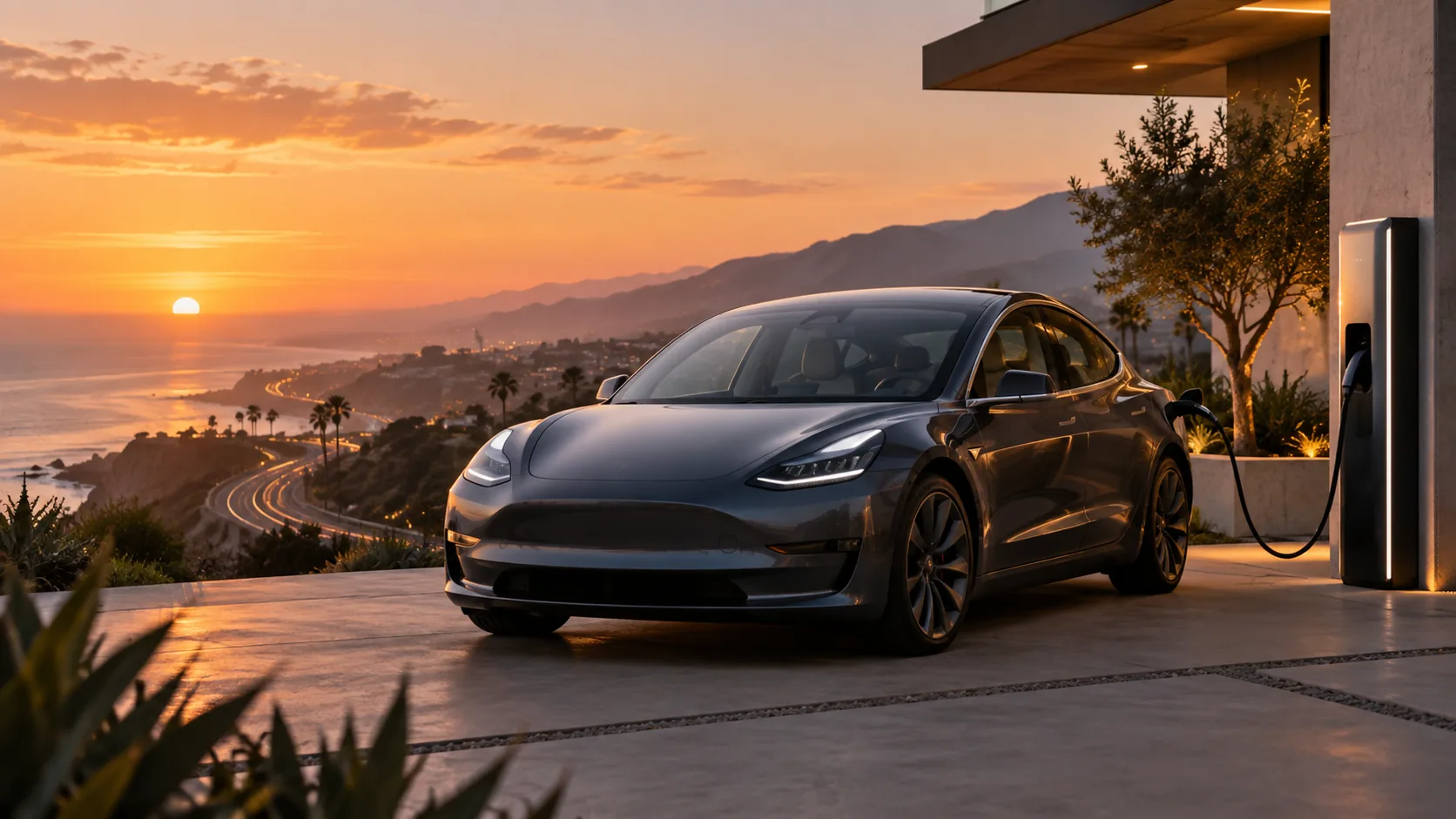
When guests pick up a car, the questions are rarely about driving. They're about two things: where the power comes from, and whether FSD (Supervised) can be trusted. The good news is that both are simpler than they sound. This guide walks through your first rental day in order, so nothing catches you off guard.
Three things to know before you leave the lot
- Your car is handed over well charged. There's no need to hunt for a charger on the way out.
- Charging needs no card, no account and no app. You just plug in.
- Full Self-Driving (Supervised) is driver assistance, not autonomous driving. It helps you drive, but the person behind the wheel is always you.
Charging is easier than pumping gas
The charge port sits at the rear left of the car. Press the button on the charging cable, the port door opens on its own, push the connector all the way in, and a green light tells you charging has started. Nothing to tap on the screen. It's one step fewer than a gas station.
You'll come across two kinds of chargers on the road:
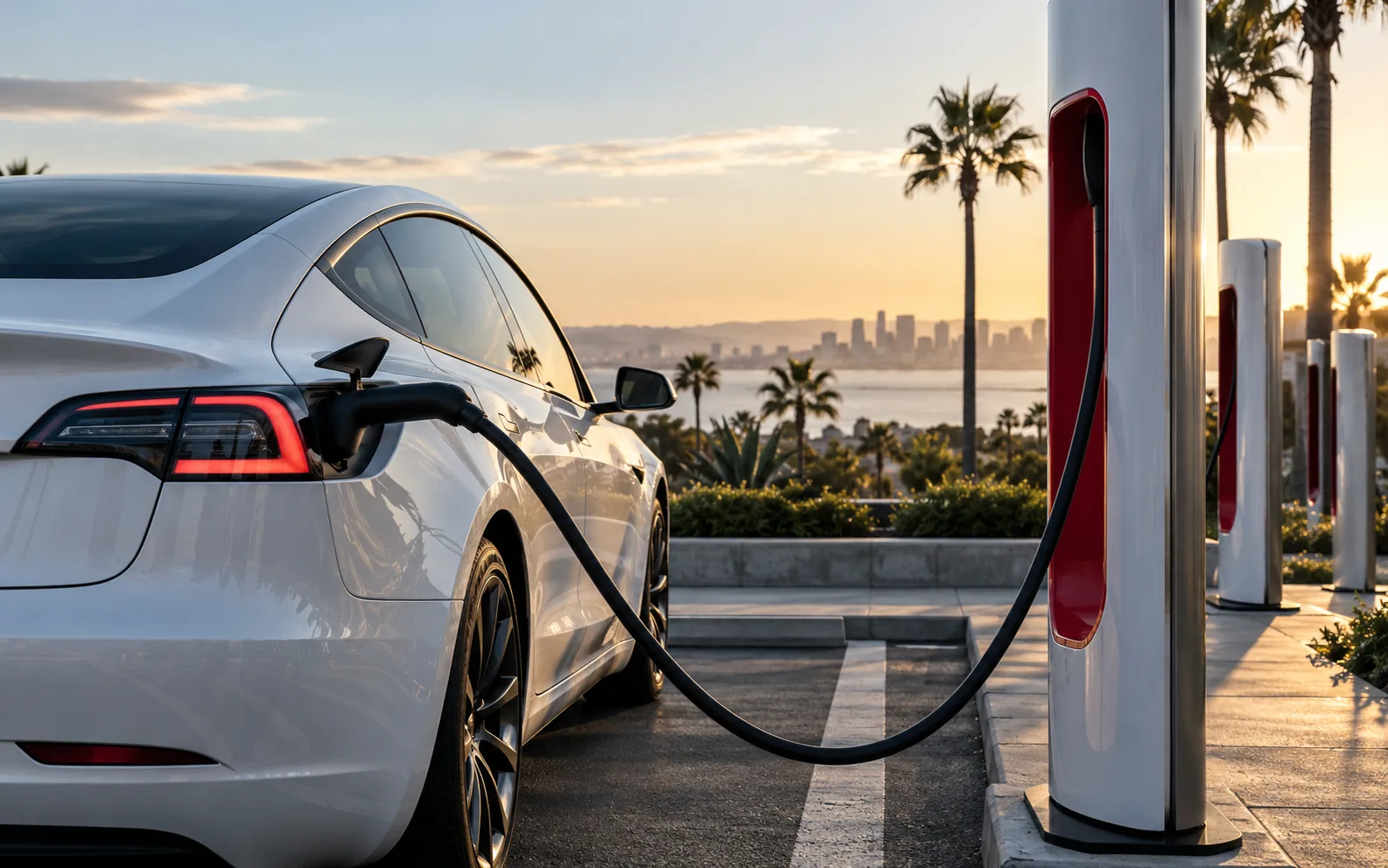
- Superchargers: Tesla's own fast chargers. In California there's one every 20 to 30 miles or so, and a 20 to 30 minute stop recovers most of your range. Long trips run on these.
- Destination chargers: slower units in hotel, mall and restaurant parking lots. Plug in overnight or over dinner, and many of them are free.
How to use a Supercharger
This is the question we hear most, and the answer is one sentence: plug in, then go get a coffee.
Every Movia car is registered to our Tesla account. The moment you plug into a Supercharger, the station recognizes the car and bills us. No card, no QR code, no app to download. The screen shows how much has gone in and how long is left.
There are two ways to settle charging costs. Pick one when you book:
- Add the charging package at $9.90 per day and Supercharge as much as you like for the whole rental, with no bill to think about.
- Skip the package and pay for what you actually used, settled from the charging records at return.
Finding chargers and planning longer drives
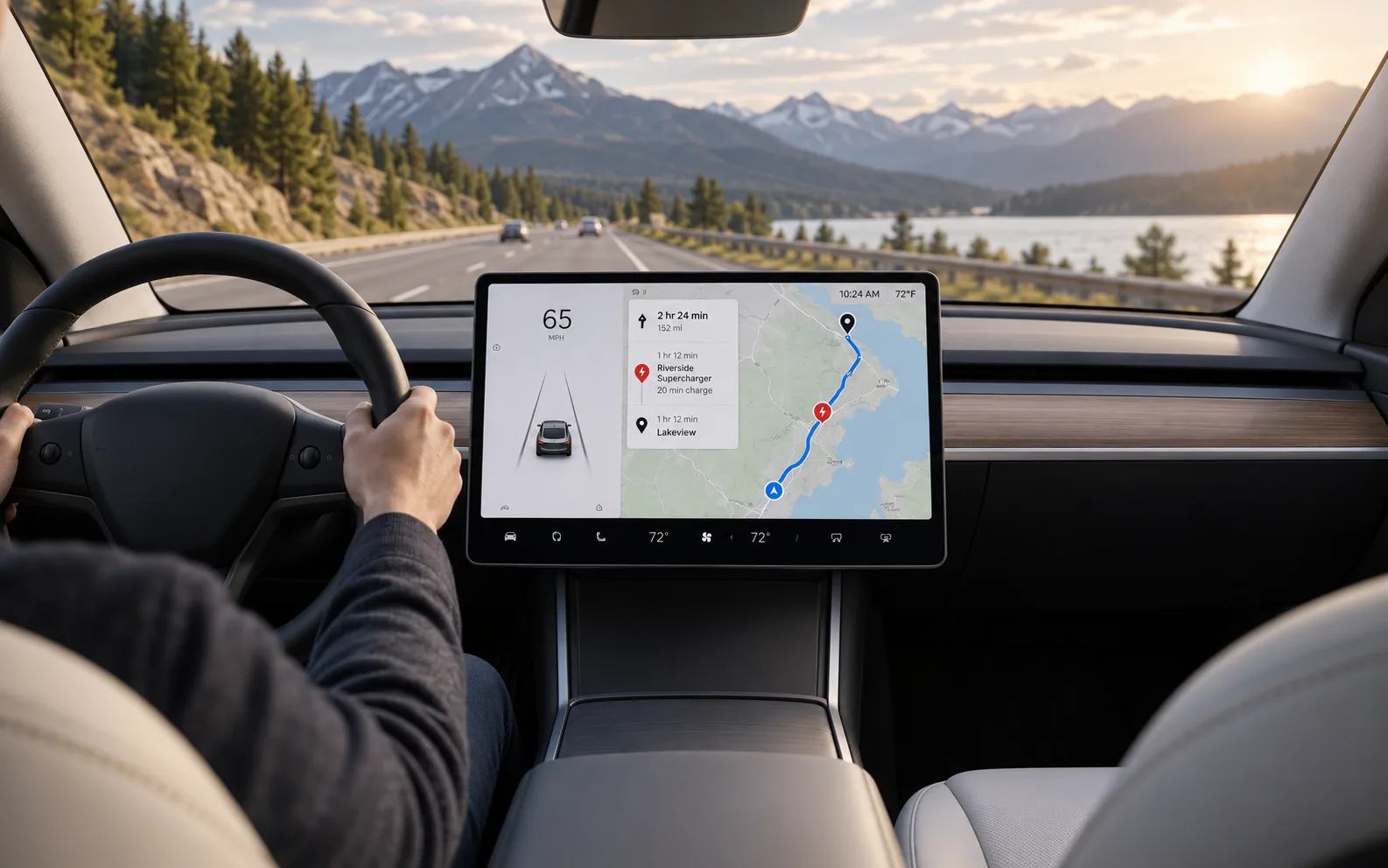
You don't need a separate map. Tap the lightning bolt icon on the center screen and every nearby Supercharger appears, along with how many stalls are free and roughly how much charge you'll have when you arrive.
For longer drives to Los Angeles, San Diego or Las Vegas, just enter the destination in the navigation. The car builds the charging stops into the route and tells you where to stop, how long to stay and what charge you'll arrive with. All you do is follow it.
Two lessons from the road:
- Arrive at a charger with 15 to 20 percent left rather than running it down to single digits. In the desert and the mountains, stations are farther apart.
- If the navigation says you'll arrive with 12 percent, a headwind or a heavy foot can make it less. Adding one extra stop costs little and saves worry.
How much to charge: the 80 percent rule, idle fees and peak pricing
The most common beginner mistake is insisting on 100 percent. You don't need it, for three reasons:
- 1Charging slows down noticeably past 80 percent. The last 20 percent takes longer than the first 60.
- 2Busy stations cap charging at 80 percent automatically so the next driver can use the stall.
- 3Leaving when you're done avoids idle fees. If the car sits on the charger after charging has finished, the station bills by the minute, and busier stations charge more.
Prices aren't fixed either. The same station can cost more in the evening rush than late at night, and the screen shows the current rate and the cheaper hours. If you're not in a hurry, charging off-peak saves a little.
What FSD (Supervised) is, and what it isn't
Full Self-Driving (Supervised) is Tesla's advanced driver-assistance system. Once it's on, the car keeps its lane, follows traffic, changes lanes, makes turns, waits at lights and takes on and off ramps, on city streets and highways alike. The thing first-time guests mention most is how fresh they feel after a long drive.
It comes with one condition, and it's right there in the name: Supervised. It is not autonomous driving and you can't hand it the car. Legally, everything the car does counts as something you did. The driver stays responsible.
Think of it as a very steady co-driver. Most of the time it drives more smoothly than a person, but you keep your eyes on the road and stay ready to take over.
Using FSD (Supervised): turning it on, taking over, staying attentive
At pickup we spend 10 minutes walking you through this in the car. Here's the short version.
Turning it on
Set a destination in the navigation, and once you're on the road, press the right scroll wheel on the steering wheel. The steering wheel icon on the screen turns blue and the car takes over. Try it first on a quiet stretch of road.
Taking over
Three ways, whichever comes naturally: turn the wheel, tap the brake, or press the scroll wheel again. Any of them hands control straight back to you, with no delay.
How it keeps an eye on you
The cabin camera watches the driver. Looking down at a phone, closing your eyes or looking away from the road for too long brings a reminder on the screen, then an alert. After a few warnings the system pauses FSD (Supervised) for the rest of the drive, and too many over time leads Tesla to switch the feature off for a while. So the rules are simple: hands on the wheel, eyes on the road, phone put away.
The five-minute pre-trip checklist
- 1Check the charge level and estimated range against today's route.
- 2Make sure your phone key or key card is on you, and try locking and unlocking once.
- 3Adjust the seat, mirrors and steering wheel before you set off. Comfortable means attentive.
- 4Find the wipers, lights and defogger on the screen now, not when it starts raining.
- 5On a quiet road, practice turning FSD (Supervised) on and off once.
Quick answers
Ready to go?
Plug in and go. One press and FSD (Supervised) is on. The rest is the view out the window. Pick the car you like, and we'll see you in Irvine.