
Tesla Rental Tips
Renting a Tesla in the U.S.: Foreign Licenses, Insurance & Charging Explained
Which licenses work, how IDPs and translations fit in, what rental insurance really covers, and who pays for Supercharging: settle these before your first U.S. Tesla rental.

Rental Basics
License, coverage and charging, settled before pickup.
A Tesla road trip is a fun way to see California. You can cruise along the coast, spend a weekend in Joshua Tree, or drive from Los Angeles to Las Vegas without building your trip around gas stations.
But if you're visiting from abroad, there are a few things worth sorting out before pickup: your driver's license, the rental insurance, and how charging is billed. None of it is especially complicated once you know what to ask.
This guide focuses on rentals picked up in California. If you're driving into other states, check their rules as well.
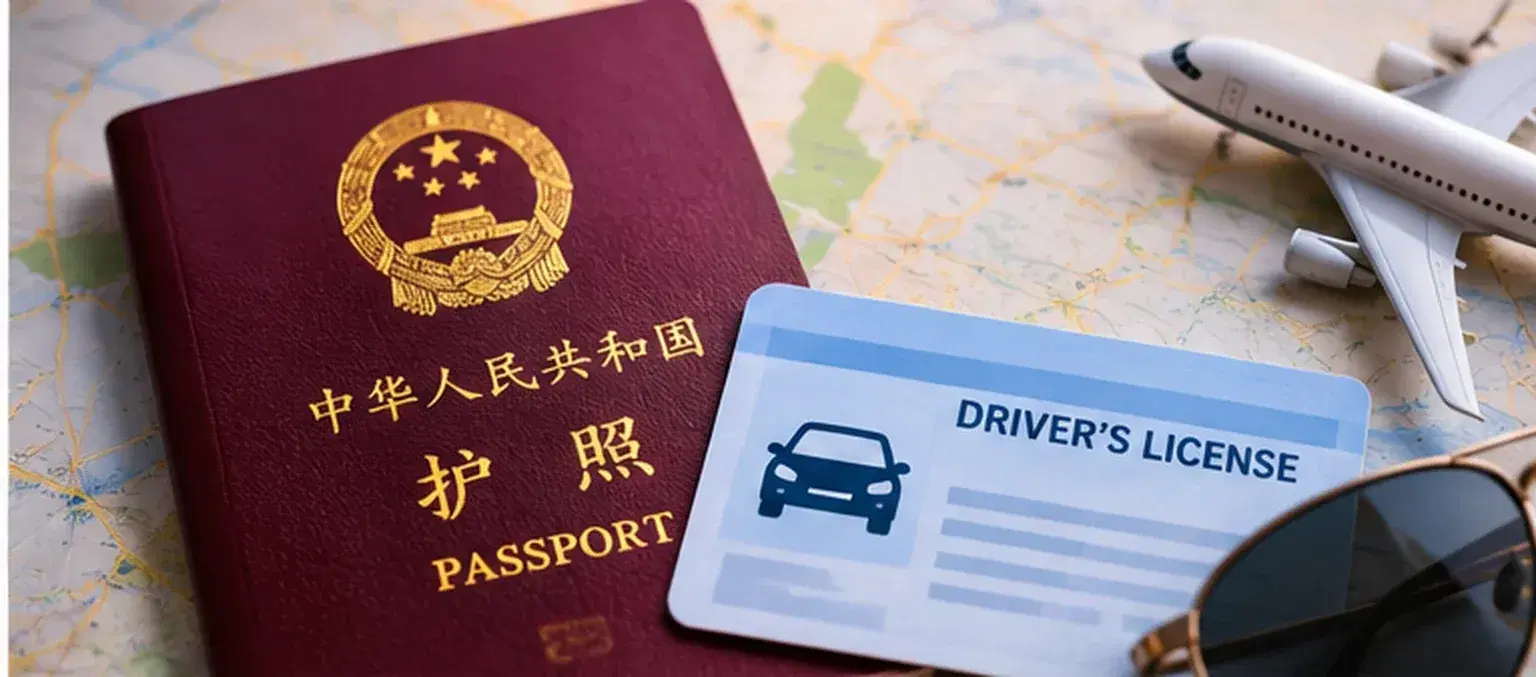
01 | Can you rent a Tesla without a U.S. driver's license?
Often, yes. You don't automatically need a U.S. license just because you're visiting the country.
California generally allows visitors aged 18 or older to drive with a valid license from their home state or country, provided they remain visitors and the license stays valid. Residents are subject to different licensing rules.
But there are two separate questions:
- Are you legally allowed to drive? That depends on the state.
- Will the rental company accept your documents? That depends on the company's identification, translation, age and payment policies.
Don't wait until you're at the pickup counter to find out. Ask the company to confirm your license's issuing country, language and document requirements in advance.
What about an International Driving Permit?
An International Driving Permit (IDP) is a companion translation document—not a stand-alone driver's license. It doesn't replace your original license.
Some rental companies require an IDP or a professional written translation when a license isn't in English or uses non-Latin characters. Their policies aren't identical. Travelers with licenses issued in countries that don't issue IDPs should ask what alternative documentation the rental company accepts. Avoid purchasing unofficial “international driver license” cards online.
Bring the original license and get the translation question settled before you fly.
Sources: USAGov — Driving as a Non-Citizen · California DMV Driver Handbook
02 | What should you bring to pickup?
Have these ready:
- Your original, valid driver's license — not just a photo on your phone.
- Passport and any additional travel documents the rental company requests.
- IDP or professional translation, if required for your license and destination.
- An accepted payment card in the renter's name, with enough available credit for any authorization hold.
- Reservation and insurance details, especially if you're adding drivers or crossing state lines.
If a friend or family member will share driving duties, make sure they're properly listed as an authorized driver under the rental agreement.
Also check the company's minimum rental age, any young-driver fees, and minimum length of time you've held your license. Being old enough to legally drive isn't automatically the same as qualifying to rent.
03 | Rental insurance: three terms worth understanding
“Full coverage” sounds reassuring, but it isn't a standard promise that everything is covered. Read the actual protection terms, limits, deductibles and exclusions.
| Term | What it generally addresses | What it doesn't automatically cover |
|---|---|---|
| Liability Insurance | Injury or property-damage claims made by others for which you're legally responsible, subject to policy limits | Repairs to your own rental car |
| CDW / LDW | Waives some or all of what the rental company can charge you for certain damage or theft, subject to terms | Third-party liability; it may also have exceptions or deductibles |
| Personal Accident Insurance (PAI) | Certain accident-related medical or other benefits for occupants, if purchased and covered | Comprehensive travel medical insurance |
Think of it this way: backing into a pole raises a rental-vehicle damage question. Damaging someone else's car raises a third-party liability question. Those aren't interchangeable.
California requires financial responsibility for vehicles driven on public roads. Its current standard minimum liability limits for private passenger vehicles are $30,000 / $60,000 / $15,000 for injury to one person, injury to multiple people, and property damage. Those are legal minimums—not a guarantee about your rental vehicle's actual policy or whether the limit would be enough after a serious accident.
Doesn't my credit card already cover rentals?
Maybe, but check before relying on it. Credit-card benefits may cover certain collision or theft losses while excluding liability claims, specific vehicles, rental channels or types of damage. Some require you to pay with that card and decline the rental company's CDW.
If your card was issued outside the U.S., ask the benefits administrator specifically whether it covers U.S. rentals, Tesla/EV models and the rental provider you're using.
Sources: California Department of Insurance — Rental Coverage Alert · California DMV — Insurance Requirements
04 | Five things to learn before driving away
A Tesla is easy to get used to, but some controls will feel different from a conventional rental car. Before leaving the lot, ask for a quick walkthrough:
- 1Keys and locking: Are you using a key card, phone key, or another method? What's the backup if your phone dies?
- 2Shifting and parking: The controls vary by model and year, so try them while parked.
- 3Charging port and connector: Learn how to start and stop a charge.
- 4Navigation and arrival battery estimate: Check the route's projected arrival charge, not just the displayed miles of range.
- 5Help if something goes wrong: Save rental support and roadside-assistance contacts.
Before you leave, record a quick walkaround video. Include the wheels, glass, body panels, cabin and starting battery level. Do the same when you return the car.
05 | Charging a Tesla in the U.S. is straightforward
Use Trip Planner for road trips
Enter your destination on the Tesla touchscreen. Trip Planner can add Supercharger stops as needed and estimate your battery level on arrival. It's usually more useful than manually planning every charging stop days ahead.
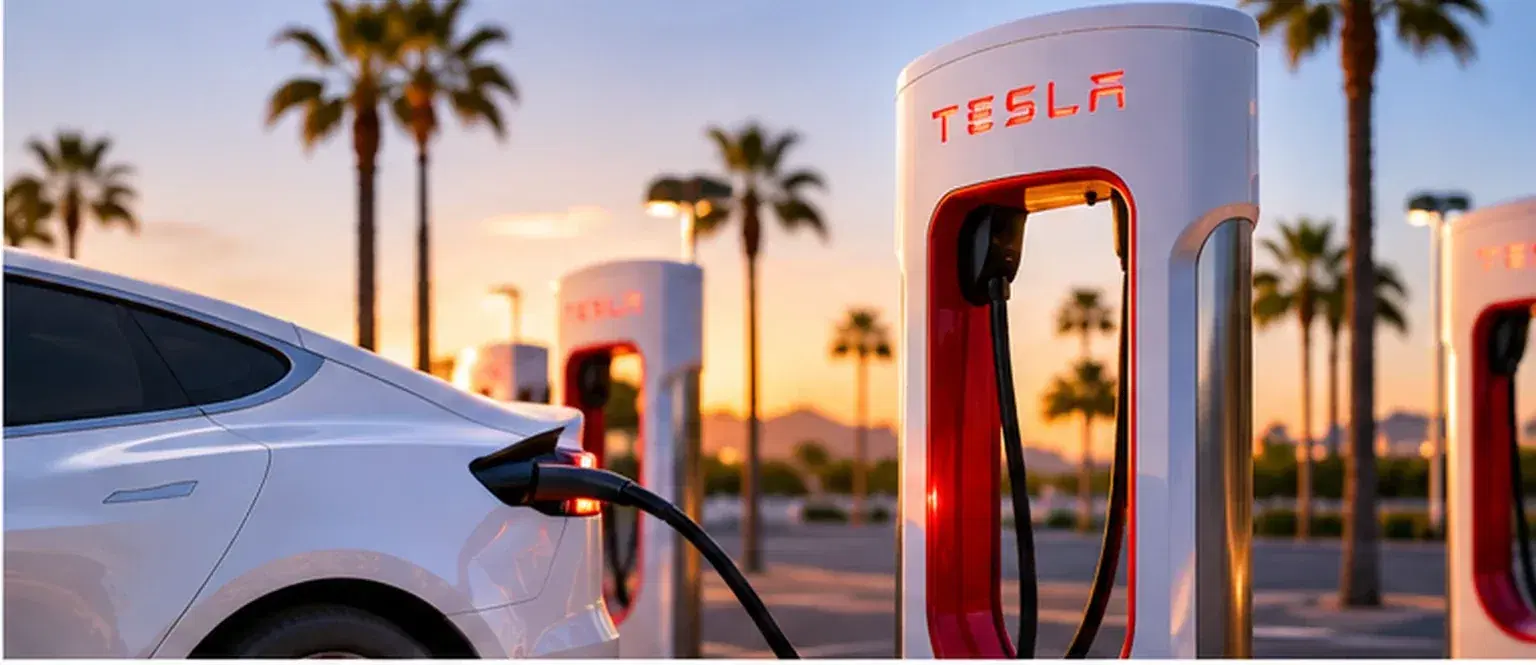
At a Supercharger, park, open the charge port and plug in. Make sure charging has started, then follow the vehicle's instructions when it's time to disconnect.
Who pays for Supercharging in a rental?
This is the question to ask before pickup.
Tesla says a rented vehicle can use Superchargers normally, but the charge session is billed to the payment method designated by the vehicle owner. How the renter is ultimately charged depends on the rental agreement.
Ask whether Supercharging is included, how costs are passed on, and whether congestion or other charging-related fees may apply. Never assume charging is free or automatically included.
Should you charge to 100% every time?
Usually there's no need to wait for 100% at every road-trip stop. Charging generally slows as the battery fills up. Follow the vehicle's trip recommendation and its battery-specific charging guidance.
What about hotel charging?
“EV charging available” doesn't always mean a Tesla-ready plug or a guaranteed space. Confirm the connector type, adapter needs, payment, guest access and whether overnight charging is permitted.
Sources: Tesla — Supercharging · Tesla — Charging
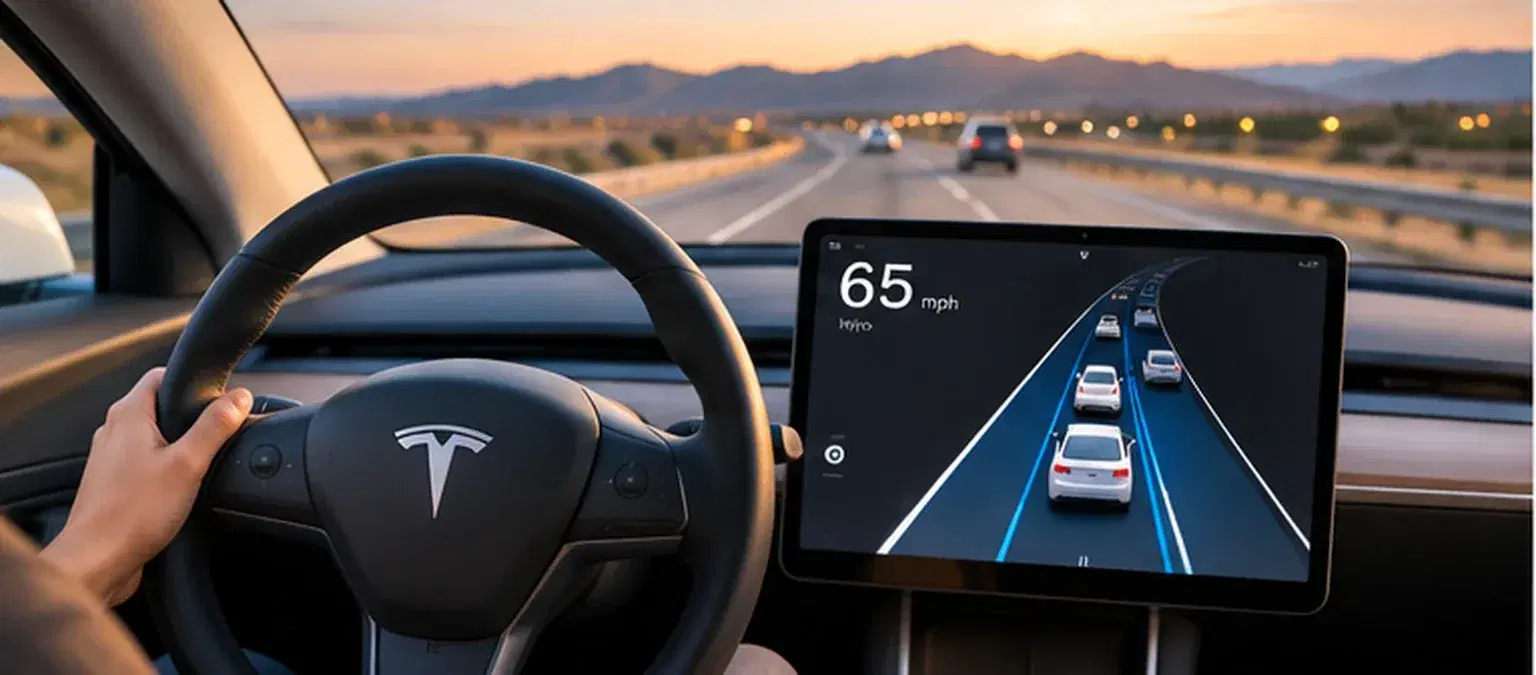
06 | FSD (Supervised) is assistance, not a substitute for a driver
If your rental includes Full Self-Driving (Supervised), you may be able to try assisted navigation, turns and lane changes where supported.
But it is not driverless transportation. You still need a legally valid driver's license, must watch the road, and must be ready to brake or steer immediately.
Start on a simple route, learn how to engage and disengage it, and take over when a situation is uncomfortable or unclear. Construction zones, complicated parking lots and poor visibility deserve extra caution.
FSD doesn't override licensing laws, insurance rules or the rental agreement's authorized-driver requirements.
Source: Tesla — FSD (Supervised)
07 | Before you return the car
- Follow the rental agreement's return battery-level rule and check for any low-charge fee.
- Remove your personal navigation destinations, Bluetooth pairings and temporary account access, following the company's instructions.
- Photograph the return location, vehicle condition and battery level.
- Ask how tolls, tickets, parking charges and Supercharging fees will be handled.
- Check whether your rental permits travel into Nevada, Arizona or other states. Don't assume permission to take the car outside the United States.
Make the road trip the fun part
You don't need to be an EV expert to rent a Tesla in the U.S. Get four things right—license documents, coverage, charging and the handoff process—and most first-time questions become easy to manage.
For trips from Los Angeles to the California coast, desert destinations or Las Vegas, Movia offers Tesla rentals equipped with FSD (Supervised) for a different kind of road-trip experience. Vehicle features, document eligibility, insurance and charging arrangements must be confirmed for your specific reservation.
Explore Tesla rentals at Movia
More Life Between Destinations.