FSD Guides
FSD Quick Start: Your First Drive with Tesla Full Self-Driving
New to Tesla Full Self-Driving (Supervised)? Learn what FSD does, how to turn it on, when to take over, and what to watch for on your first drive.
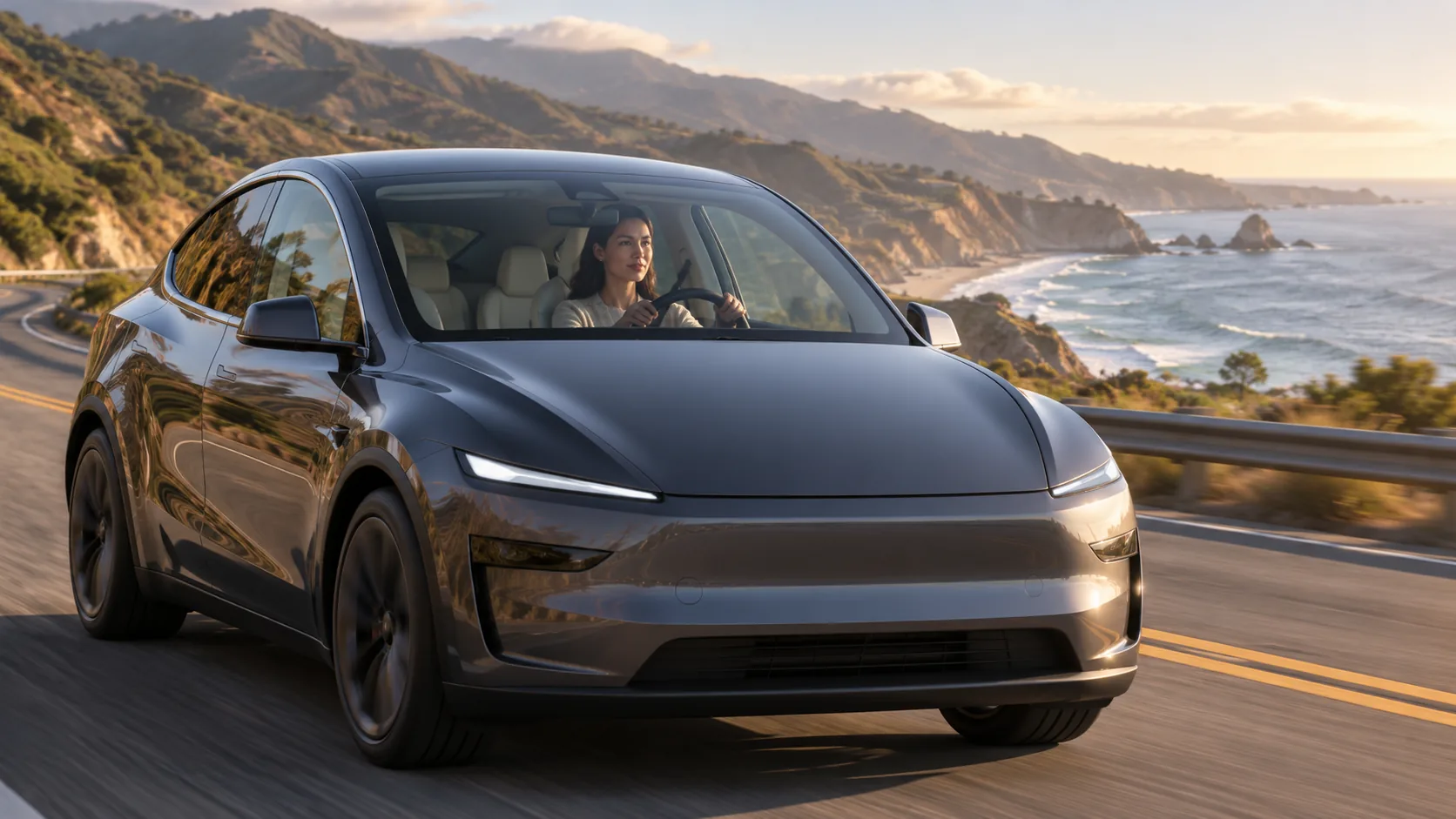
First-timer's guide
Eyes up. Hands ready.
Trying Tesla's Full Self-Driving for the first time? You don't need to memorize a manual before you leave the parking lot. A few basics—what it does, how to start it, and how to take over—will make the experience much easier to enjoy.
First, what is FSD?
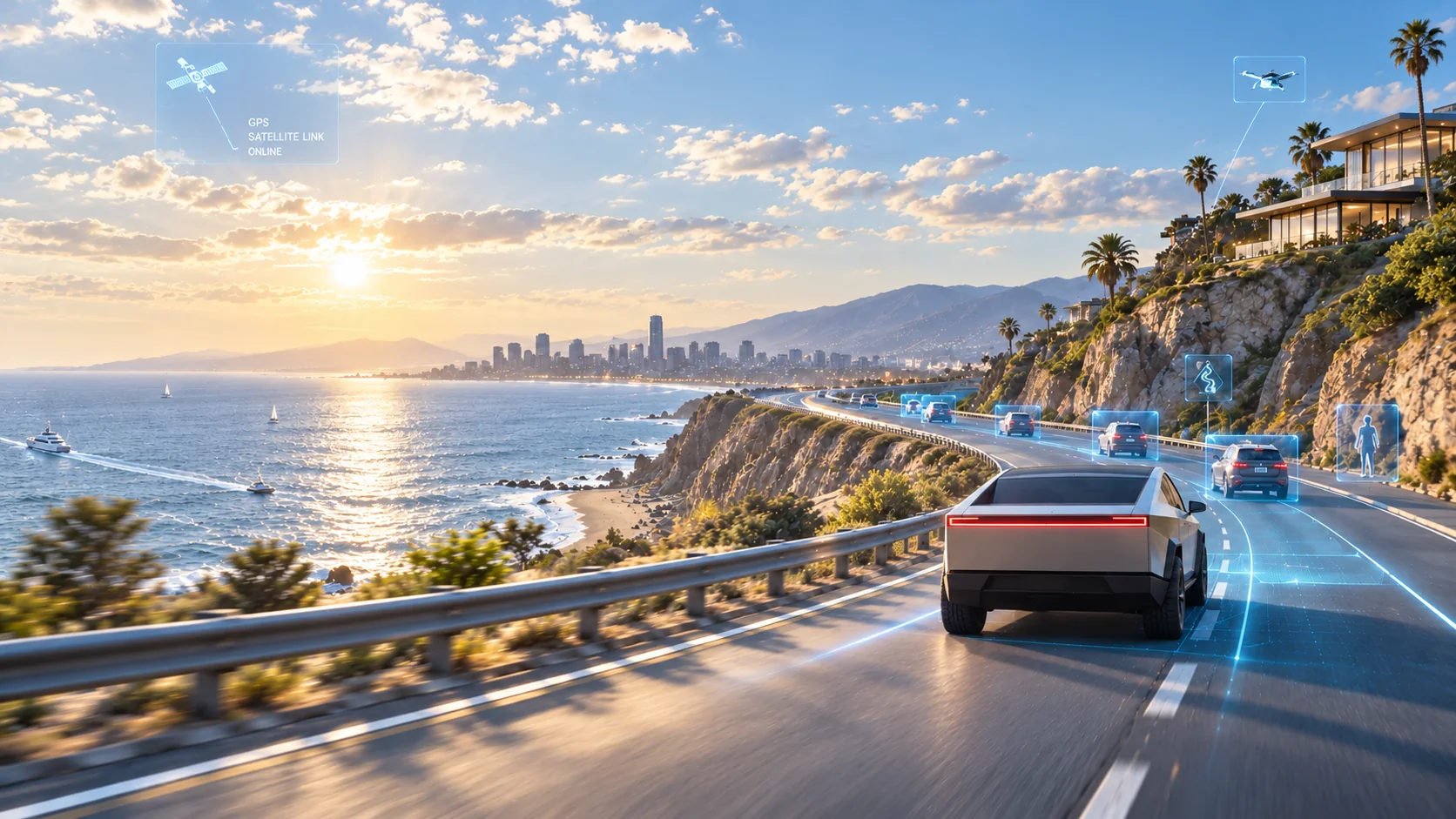
FSD stands for Full Self-Driving (Supervised). It's Tesla's advanced driver assistance system. With a destination set, it can attempt many parts of the drive under your supervision: following your route, turning, responding to traffic lights and stop signs, changing lanes, and entering or exiting highways.
It's designed for city streets and residential roads as well as highways, although its performance depends on the conditions around you.
One thing matters more than the name: FSD (Supervised) isn't driverless driving. You're still the driver, even when the car is steering, accelerating, or braking. Keep watching the road and be ready to take over at any time.
How to get started
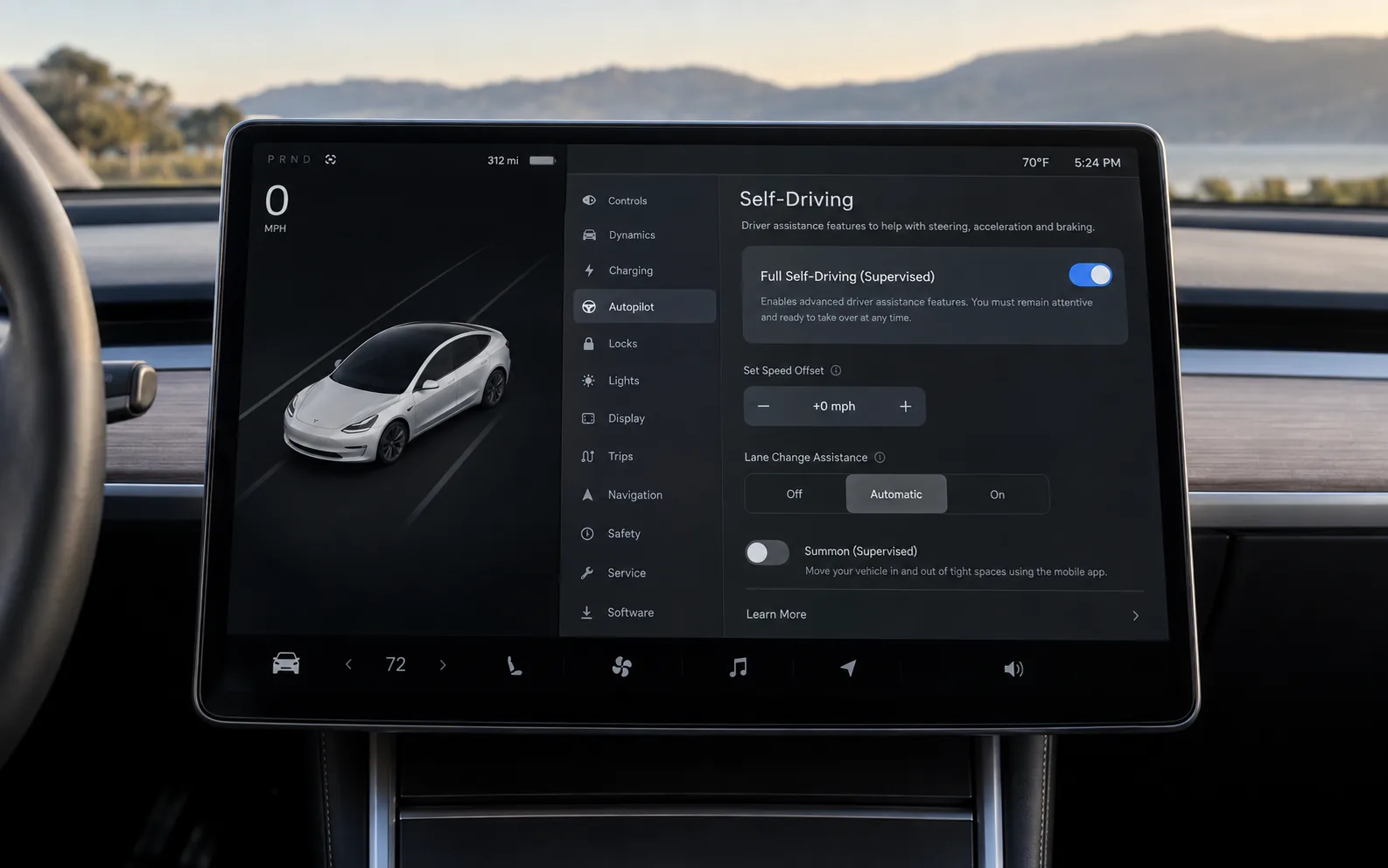
1. Make sure FSD is enabled
While parked, go to Controls → Self-Driving → Full Self-Driving (Supervised). Read and accept any on-screen agreements. If it's already enabled, you're good to go.
2. Set your destination
Enter your hotel, a restaurant, or the next stop on your trip. FSD can use the navigation route to guide the drive.
3. Engage FSD when it's safe
Depending on the vehicle and software version, tap Start Self-Driving on the touchscreen or use the right scroll button on the steering wheel. Look for Self-Driving in blue and a blue driving path on the display. That's your confirmation that FSD is active.
4. Stay involved
Keep an eye on speed, surrounding traffic, pedestrians, and upcoming turns. If something doesn't feel right, take over. You never need to wait for the car to ask.
Controls may differ by model year and software version. Follow the prompts and Owner's Manual in the vehicle you're driving.
How do I take back control?
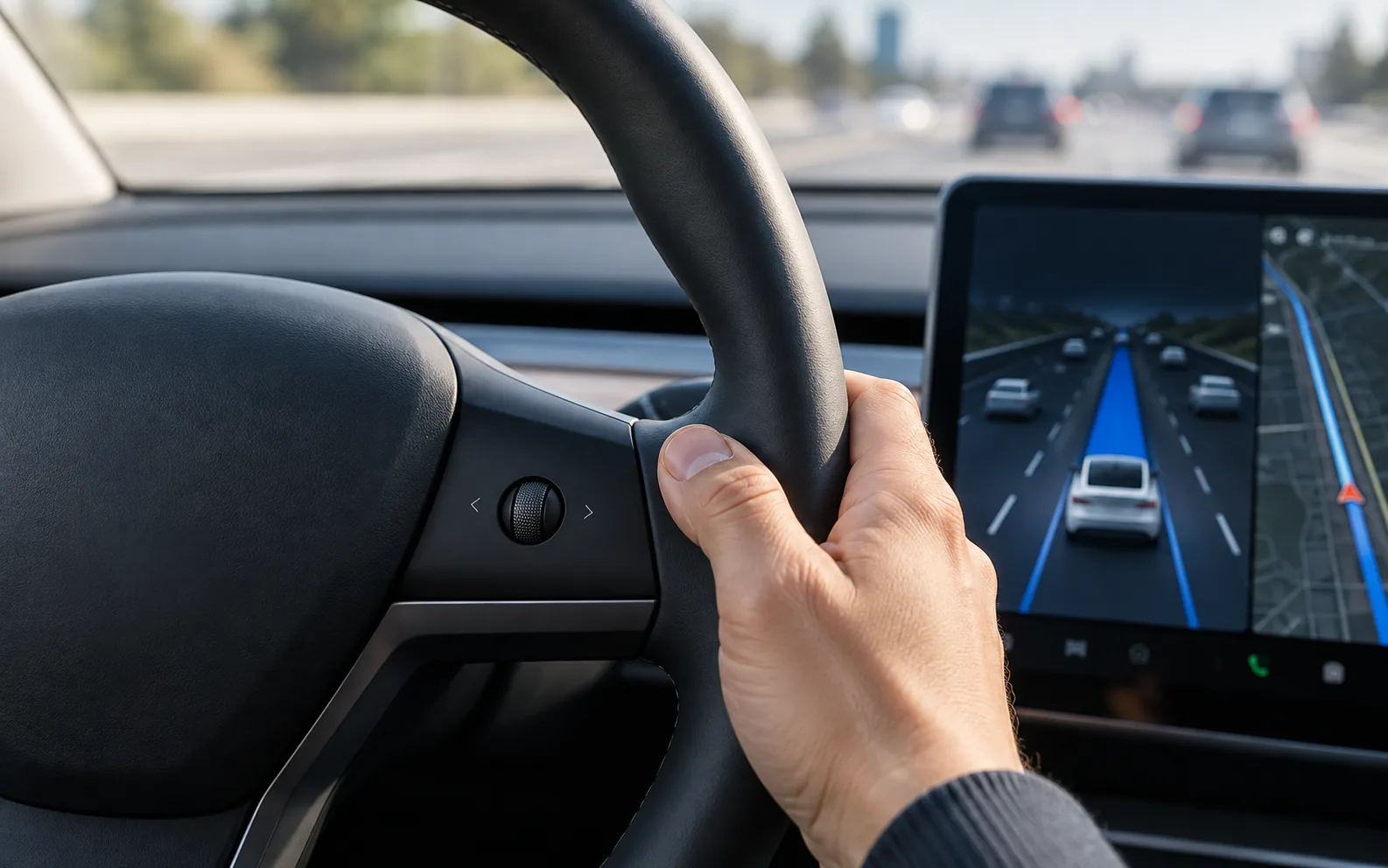
Get familiar with this before your first FSD drive:
- Press the brake pedal to disengage FSD.
- Steer manually to take over steering.
- Press the right scroll button on vehicles equipped with that disengagement option.
If you need to act quickly, brake or steer as needed. Don't spend precious seconds looking for a button.
When should I pay extra attention?
Busy intersections and unprotected left turns. Watch oncoming traffic, pedestrians, and signals. Take over whenever you need to.
Construction zones. Cones, temporary signs, and confusing lane markings can change what the road looks like.
Pedestrians, cyclists, and parking lot entrances. Expect the unexpected, particularly around busy shops and neighborhoods.
Heavy rain, fog, glare, or blocked cameras. If visibility is poor, drive manually rather than relying on FSD.
Here's a simple rule: If you're unsure what the car is about to do, take control.
Why does the car keep reminding me to pay attention?
Tesla uses the cabin camera and other inputs to monitor driver attentiveness. You may see reminders to watch the road or apply slight turning force to the steering wheel.
Repeatedly ignoring prompts can make FSD unavailable for the rest of the drive, and repeated misuse may temporarily restrict access. Keep your eyes on the road, don't use your phone, and don't try to bypass the driver monitoring system.
A good way to try FSD for the first time
Learn how to brake, steer, and disengage first. Start with a simple route and lighter traffic. If your vehicle offers Speed Profiles, a more relaxed choice such as Chill may feel easier while you're getting used to it.
You don't have to use FSD for the whole trip, either. Maybe you prefer it on the highway and would rather drive through downtown yourself. That's entirely fine.
The point is to understand when it helps—not to hand over every mile.
Ready to hit the road?
At Movia, we want you to enjoy more than the car itself. Get familiar with your Tesla, stay attentive, and explore FSD at your own pace.
More Life Between Destinations.
This guide is for general reference. FSD (Supervised) is a driver assistance system, not a substitute for an attentive driver. Features and controls vary by vehicle and software version. Follow traffic laws, your vehicle's instructions, and Tesla's official Owner's Manual.
Official references: Tesla FSD (Supervised) · Tesla Model Y Owner's Manual