FSD Guides
Tesla FSD v14 Updates: What's New in 2026 and What's Worth Trying?
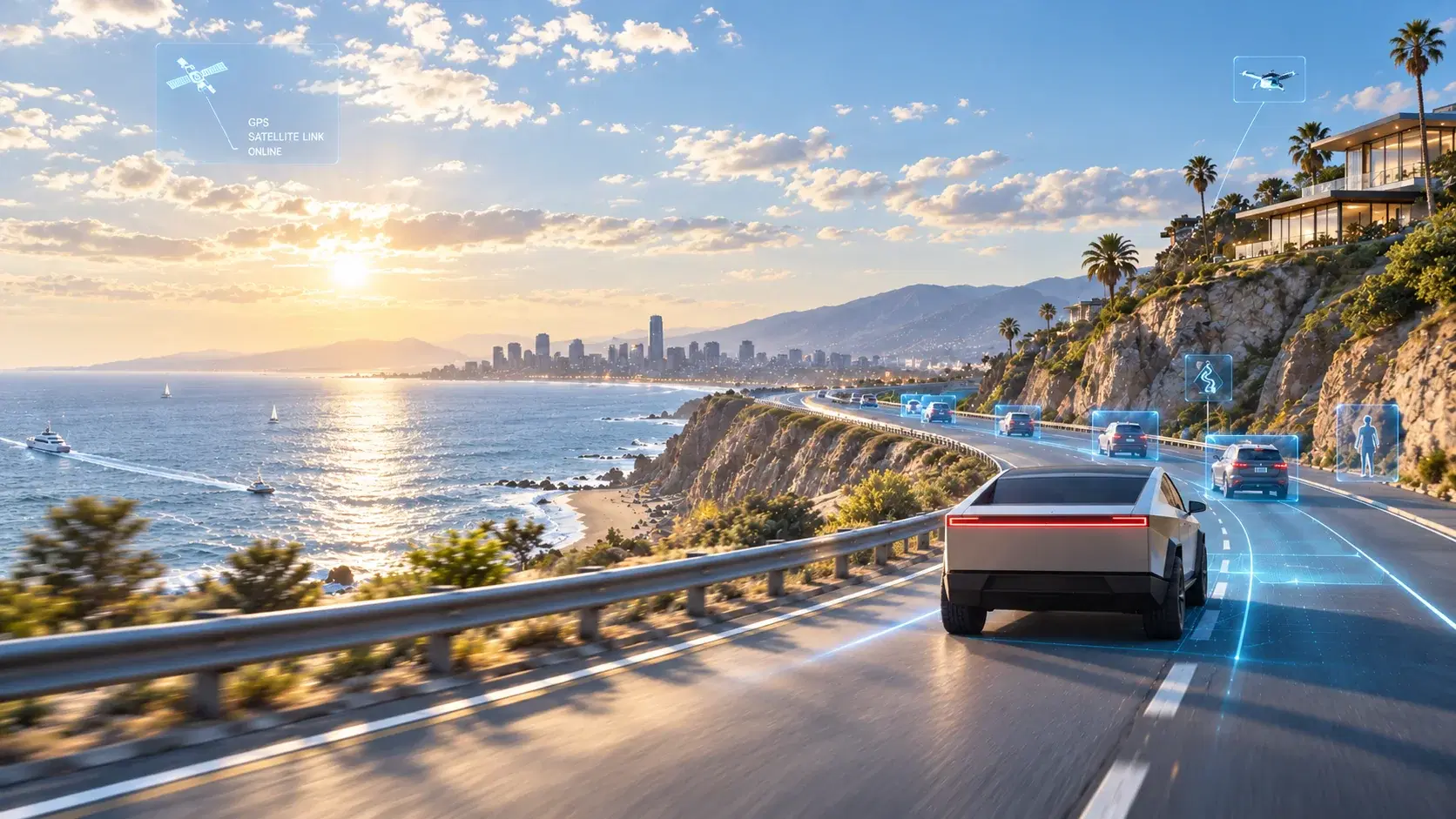
FSD v14 isn't just about smoother driving. It adds ways to start from Park, choose where to finish a trip and adjust driving style. Here's what matters.

FSD Update
From the parking spot to the parking spot.
Tesla's FSD updates used to spark one main question: Does it make turns and lane changes more smoothly?
In 2026, the conversation has moved a little further. Starting a drive from Park, choosing where to stop at your destination and adjusting how the car drives are now part of the experience on supported vehicles.
As of November 4, 2026, publicly documented v14 releases include FSD v14.3.13, while some vehicles with the earlier HW3 computer have received v14.3 Lite. Updates roll out in stages, so not every Tesla has the same version or features.
Here's what actually matters when you're behind the wheel.
01 | Start Self-Driving from Park
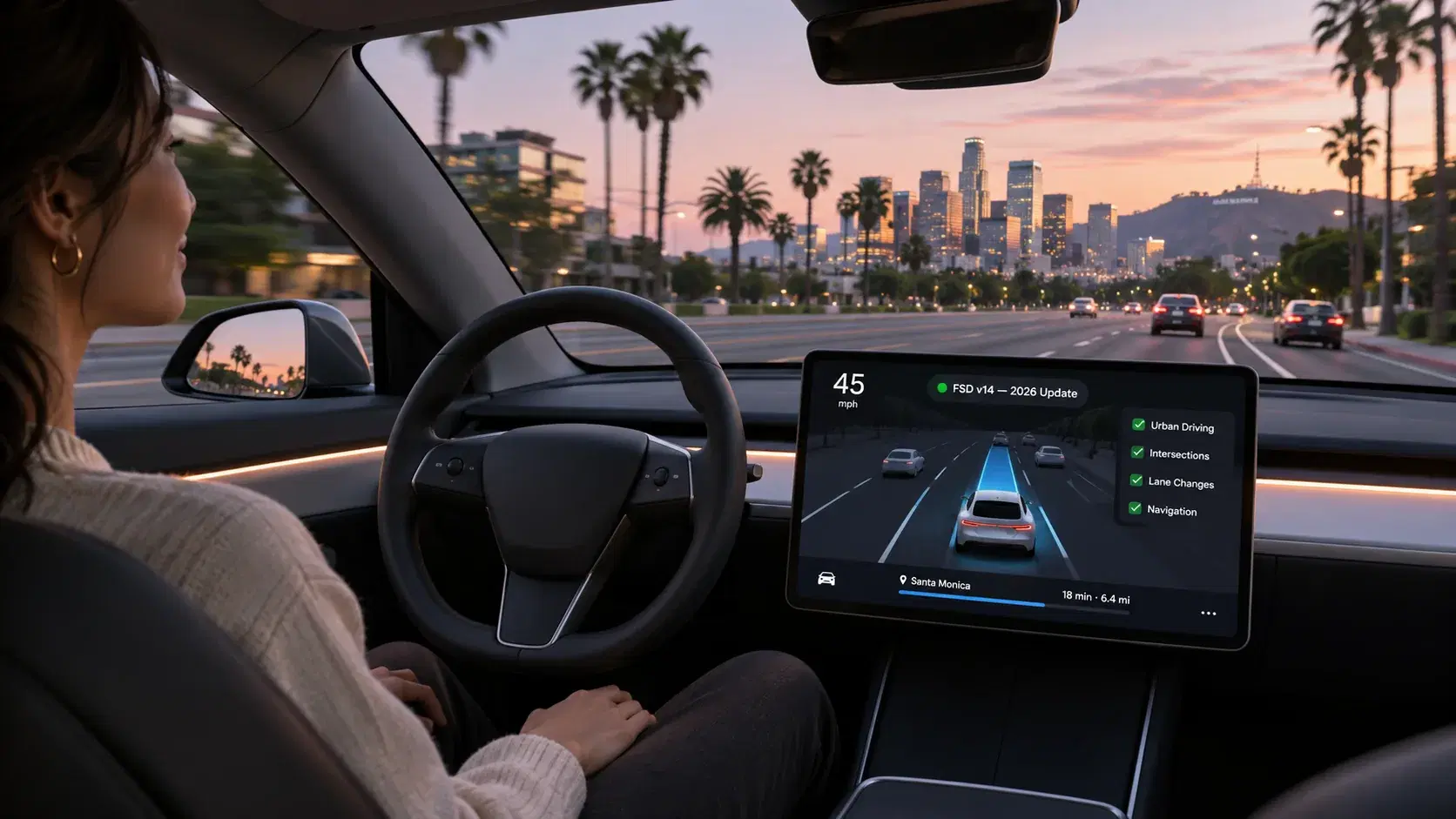
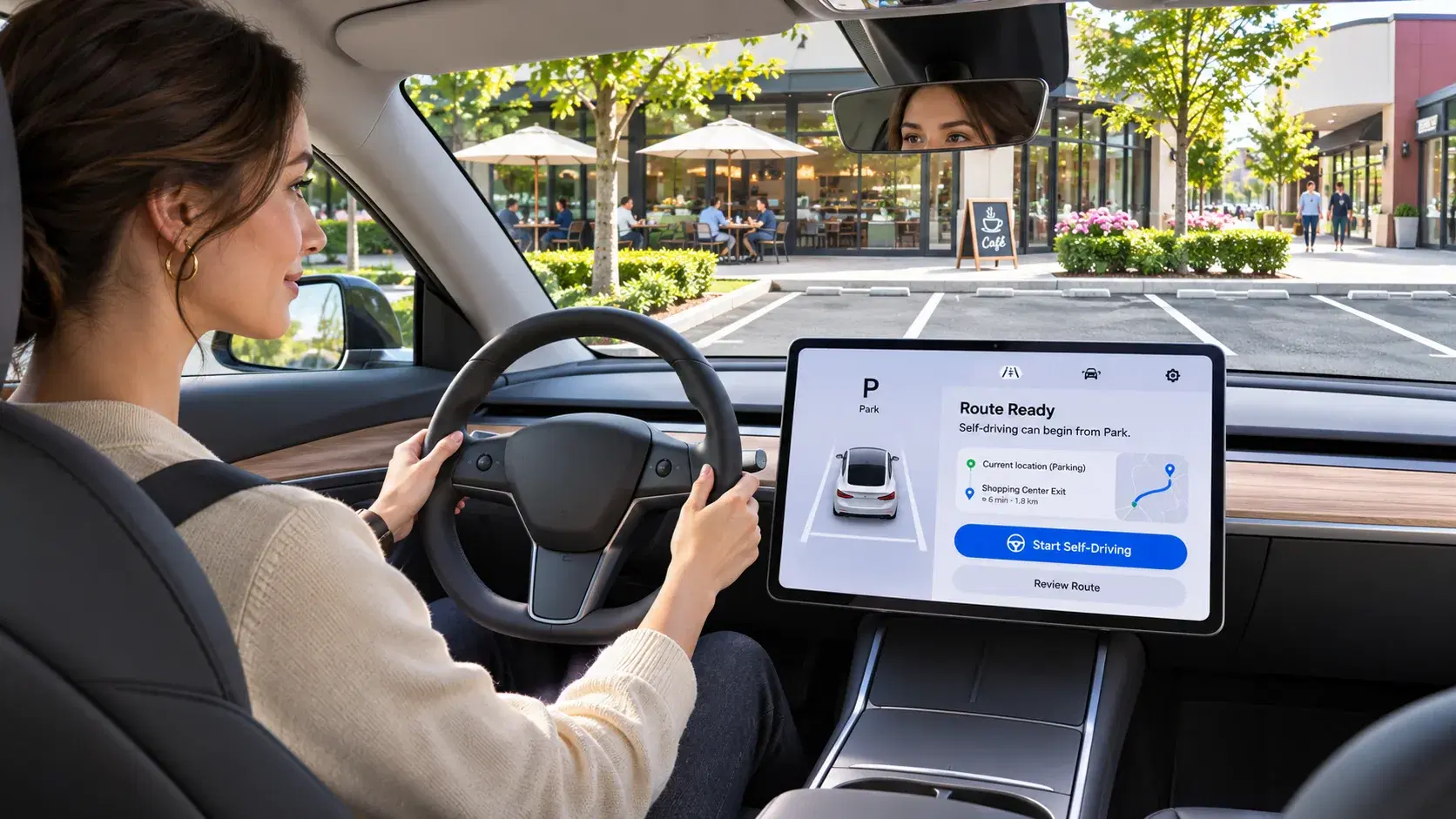
One of the most noticeable v14 changes is the option to engage FSD (Supervised) while the vehicle is still in Park, rather than driving off manually first.
On supported vehicles, you can tap Start Self-Driving on the touchscreen after meeting the driver requirements, including being seated and buckled. Some configurations may also require a brake-pedal confirmation.
It's a small change in how you start a trip, but a big change in how the feature feels.
Worth trying: Start somewhere with a straightforward exit, good visibility and little pedestrian traffic. Learn how to intervene before trying a crowded parking structure.
02 | Arrival Options: Tell the Car Where You Want to End Up
Imagine navigating to a shopping center. Arriving at the address isn't necessarily the same as arriving where you want to park.
With Arrival Options, supported versions let you express a preference such as Parking Lot, Street, Driveway or Pull Over. Some versions remember the preference for a destination and show potential parking locations on the map with a P icon.
This makes navigation feel more complete: it is no longer just about reaching a pin on a map.
But it's not a parking reservation system. The car may not find a suitable legal space, and the driver must supervise the final approach and take over when necessary.
03 | Five Speed Profiles, Five Different Driving Styles
Not everyone wants FSD to drive the same way.
Tesla currently lists these profiles:
| Profile | What to expect |
|---|---|
| Sloth | Slower driving and fewer lane changes |
| Chill | A more relaxed approach with minimal lane changes |
| Standard | A balanced, everyday pace |
| Hurry | More proactive driving and lane changes |
| Mad Max | The most assertive speed and lane-change preferences |
Look for Controls → Self-Driving → Speed Profile on supported vehicles. Menu names may vary with software updates.
If you're new to FSD, Chill or Standard is a sensible place to start. Get familiar with the way the system follows traffic, turns and changes lanes before experimenting with other profiles.
Regardless of the setting, the driver remains responsible for speed and obeying traffic laws.
04 | Smoother Decisions in Everyday Traffic
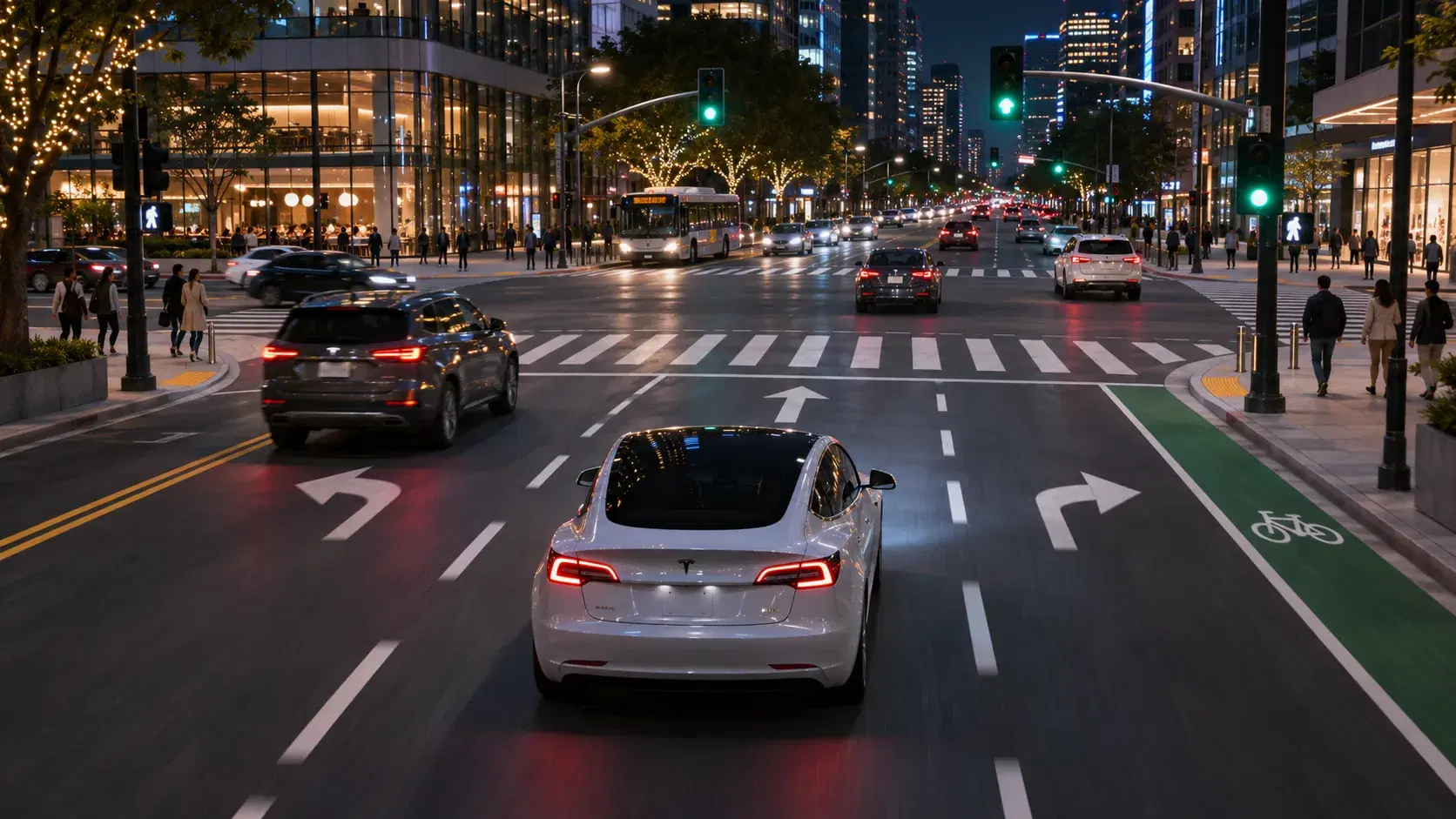
The v14.3 release notes contain plenty of technical language—reinforcement learning, vision encoders and AI runtime improvements.
What that means for drivers is that Tesla is working to make FSD more consistent and less hesitant in a wider range of situations.
The documented improvements include:
- Complex intersections: Better handling of compound traffic signals, curved roads and certain yellow-light decisions.
- Merging and lane choice: Reducing some unnecessary lane bias and following-too-closely behavior.
- Unusual traffic situations: Improved responses involving emergency vehicles, school buses and other less common road users.
- Unexpected objects: Better handling of objects extending into the road and small animals.
- Processing speed: Tesla's v14.3 notes describe an approximately 20% improvement in reaction time from a rewritten AI runtime.
That last figure is a software-runtime claim. It doesn't mean your trip is 20% faster or that collision risk drops by 20%.
And improvements do not mean flawless performance. Construction, unusual road markings, traffic officers and unpredictable pedestrians still require close attention.
05 | Parking Is Becoming Part of the Journey
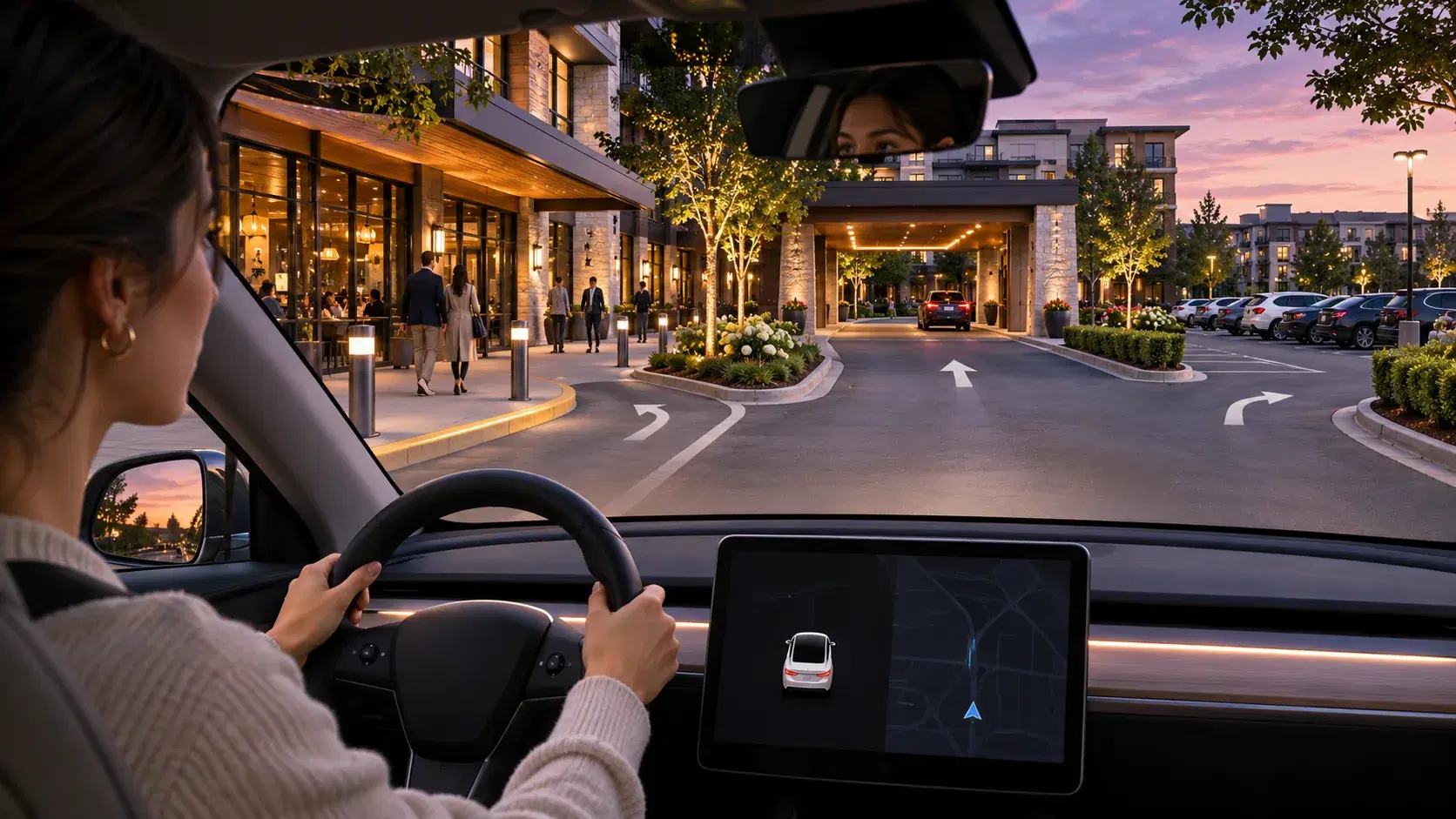
FSD v14 is also working toward a more complete start-to-finish experience.
Supported versions can attempt to depart from a parked position, navigate to a destination and select an appropriate stopping or parking location. Recent v14.3 release notes also describe more decisive parking-space selection and better map-based parking predictions.
This is worth exploring, but it's not a reason to leave the driver's seat or assume the car can independently handle every parking lot.
FSD (Supervised) still requires a fully attentive driver.
06 | Does Every Tesla Get the Same Features?
No. Availability depends on hardware, model year, software version and region.
The main distinction within the v14 family is:
- HW4 / AI4: Eligible vehicles can receive the full v14.3 line as it rolls out.
- HW3 / AI3: Some vehicles receive v14 Lite, bringing certain updated behaviors and features to older hardware. It should not be assumed to be identical to the HW4 release.
Check Controls → Software and the vehicle's release notes before assuming a particular feature is available.
07 | An Easy First Drive to Try the New Features
You don't need a complicated route to see what's changed.
Try a familiar weekend drive instead:
- 1Begin from a simple parking spot and see whether Start Self-Driving from Park is available.
- 2Choose Chill or Standard and get a feel for the driving pace.
- 3Navigate somewhere familiar and look for Arrival Options.
- 4Supervise the arrival and parking process closely; take over as needed.
If the car makes a decision you're not comfortable with, intervene immediately. Testing a feature is never a reason to keep it engaged against your judgment.
08 | Does FSD v14 Mean the Car Is Driverless?
No. The word that matters is Supervised.
FSD can assist with turns, lane changes, intersections, navigation and parking on supported vehicles. But the person in the driver's seat must remain attentive and ready to steer or brake at any moment.
The update is about making driver assistance more capable and convenient—not transferring driving responsibility to the vehicle.
Want to Experience FSD for Yourself?
Reading release notes is useful. Experiencing the system on a familiar city route or a road trip is even more interesting.
At Movia, we offer Tesla rentals equipped with FSD (Supervised) so you can experience Tesla's technology as part of your journey.
FSD versions and available features can vary by vehicle. Please confirm the exact configuration with Movia before booking.
Explore Tesla Rentals at Movia
More Life Between Destinations.
Sources
- Tesla — Full Self-Driving (Supervised)
- FSD v14.3.13 / v14.3 Lite release notes (2026.38.5.10)
- FSD version tracker — November 2026
Updated November 4, 2026. This guide is based on published product information and software release notes available on that date. Actual features depend on the vehicle and its software version.