
Driving in California
Winter Driving Guide: Before You Drive to Big Bear or Mammoth
A practical winter guide for Tesla travelers heading to Big Bear, Lake Arrowhead, Wrightwood, or Mammoth: winter tires, chains, cold-weather charging, range loss, and what to confirm before you go.

Winter driving
Prepare first. Then head up the mountain.
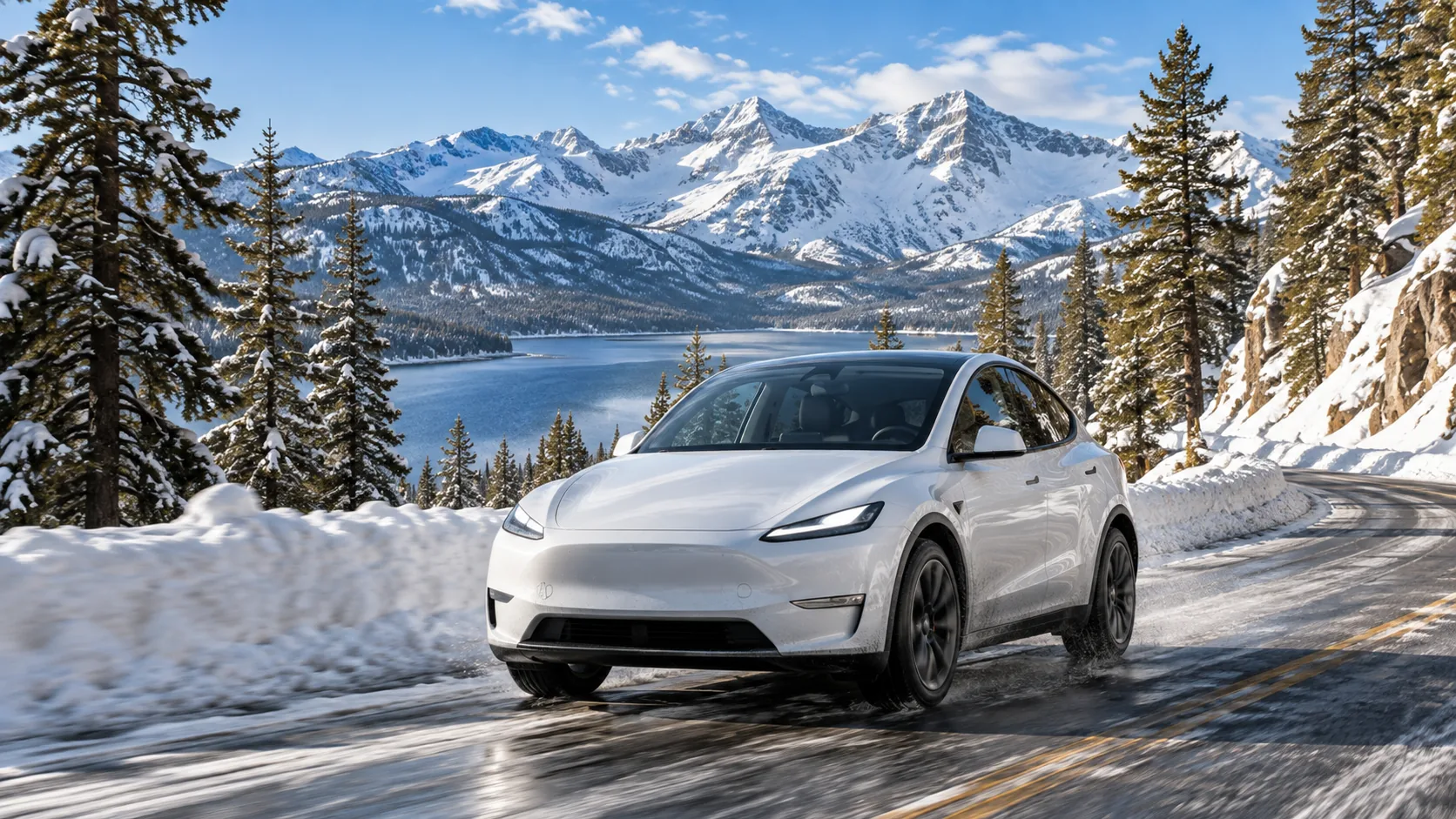
If you're planning a winter Tesla trip to Big Bear, Lake Arrowhead, Wrightwood, or Mammoth Lakes, here's the short version: yes, you can absolutely do it—but preparation matters.
What catches most first-time snow drivers off guard isn't the act of driving itself. It's the practical stuff: What tires are on the car? Do I need to carry chains? How does charging work in the cold? And how much range should I realistically expect to lose?
This guide focuses on the four things that matter most: winter tires, traction devices, cold-weather charging, and winter range. If you're heading up from Southern California to Big Bear, or taking Highway 395 toward Mammoth, this should give you a clear and realistic starting point.
01 | First principle: winter driving is not just about whether you can go—it's about how you go
A lot of drivers assume that an AWD electric vehicle automatically solves snow driving. It doesn't. Tesla vehicles usually perform well in winter because of quick motor response, balanced weight distribution, and traction control—but traction still comes down to tires.
That is why the same vehicle can feel completely different on regular all-season tires versus true winter tires.
If your route is mostly plowed, conditions are stable, and you're keeping a close eye on weather and chain controls, winter mountain driving is usually very manageable. The situations that deserve extra caution are the obvious ones: active storms, icy roads, poor visibility, higher chain-control levels, or road closures.
For Big Bear, common approaches include CA-330, CA-18, and CA-38. For Mammoth, drivers often rely on US-395 and CA-203. All of these routes can see winter restrictions, so check Caltrans road conditions or QuickMap before you leave—not just the weather in town.
02 | Winter tires: the single biggest difference-maker in snow driving
What makes winter tires different?
Winter tires are not just for deep powder. Their real advantage is better grip in cold temperatures, packed snow, and icy conditions.
Compared with standard all-season tires, winter tires typically offer:
- a rubber compound that stays more flexible in the cold,
- tread patterns designed to bite into snow,
- and more confidence under braking, acceleration, and cornering.
Tesla's winter driving guidance specifically notes that if you frequently drive on snowy or icy roads, winter tires are worth considering. Tesla also reminds drivers that tire pressure drops as temperatures fall. In the Model Y owner's manual, the reference point is simple and useful: about 1 PSI for every 10°F (roughly 6°C) drop in temperature. That matters for both safety and efficiency.
Do you always need winter tires for Big Bear or Mammoth?
Not always—but the answer depends on conditions.
A practical way to think about it:
- Big Bear or Lake Arrowhead weekend trips: roads are often plowed, and AWD with M+S or snow-rated tires may be enough depending on the day's chain control.
- Mammoth trips, multi-day winter stays, or storm-week travel: true winter tires are far more reassuring and leave you with more margin.
- If you don't know what tires are on the car: don't guess. Confirm in advance.
What to confirm before you leave
If you're renting, ask these questions ahead of time (do not assume Movia provides winter tires or chains for every reservation):
- 1Is the vehicle on all-season tires or winter tires?
- 2What wheel/tire size is installed?
- 3Are traction devices / chains provided?
- 4If so, which type is approved for that exact vehicle?
- 5Are there any rental or manufacturer restrictions related to chain use?
03 | Chains and traction devices: AWD does not automatically exempt you
This is one of the most misunderstood parts of California winter driving.
A lot of drivers assume: “I have AWD, so I don't need chains.” In California, that is often not the full story.
According to Caltrans chain-control rules:
- R-1: Chains are required on most vehicles, except certain passenger vehicles or light-duty trucks under 6,000 lbs equipped with snow-tread tires on at least two drive wheels. Even if exempt from installation, those vehicles generally still need to carry chains.
- R-2: Chains or traction devices are required on all vehicles except four-wheel/all-wheel-drive vehicles with snow-tread tires on all four wheels. Even then, AWD/4WD vehicles must still carry traction devices.
- R-3: Chains or traction devices are required on all vehicles, no exceptions. In practice, roads often close before R-3 becomes common.
Can a Tesla use chains?
Yes—but compatibility matters.
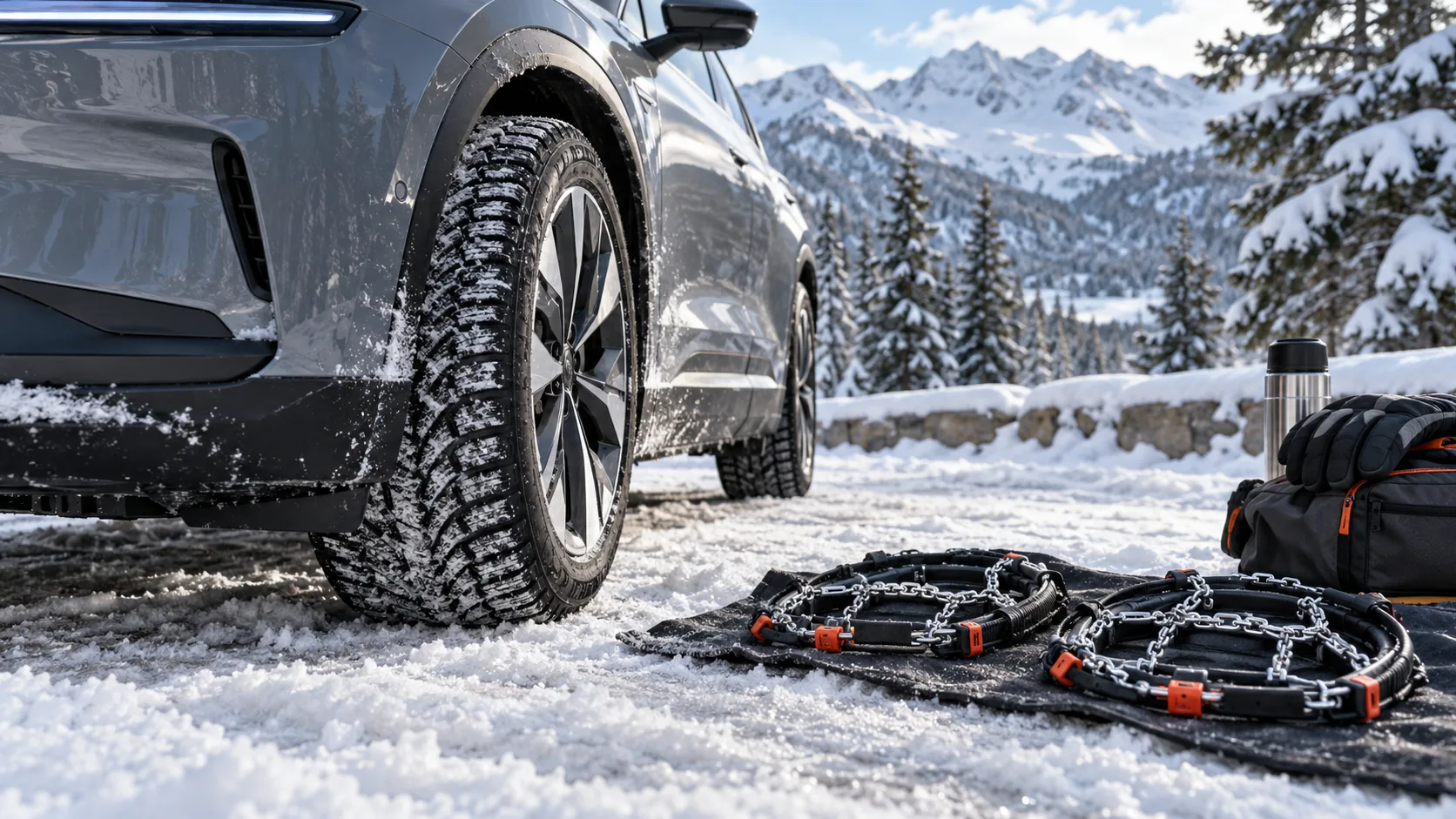
Caltrans explicitly says it does not recommend specific brands and advises drivers to check the vehicle manufacturer's specifications. Tesla also offers winter accessories and traction products, but compatibility depends on the exact vehicle, wheel size, and tire size. Current North American Model Y and Cybertruck manuals, for example, specify approved chains on the rear tires only; do not assume their recommendations apply to every model year or wheel package. Do not buy or install an arbitrary chain set, and confirm rental-company permission first.
Practical advice
- Do not let the first time you see your chains be at a snow checkpoint.
- Read the installation instructions before the trip, and if possible, practice once on dry ground.
- Install them only when needed, and drive slowly when they are on.
- In chain-control areas, speed limits are often 25–30 mph.
- Install and remove them only in a safe pull-off area.
- Incorrect chains can damage wheels, liners, suspension components, or braking hardware.
If you are unfamiliar with chains, prepare before you go. If chains are required but you do not have compatible, rental-approved traction devices, do not attempt the checkpoint—reroute, postpone, or wait for restrictions to lift.
04 | Cold-weather charging: winter charging works best when you plan ahead
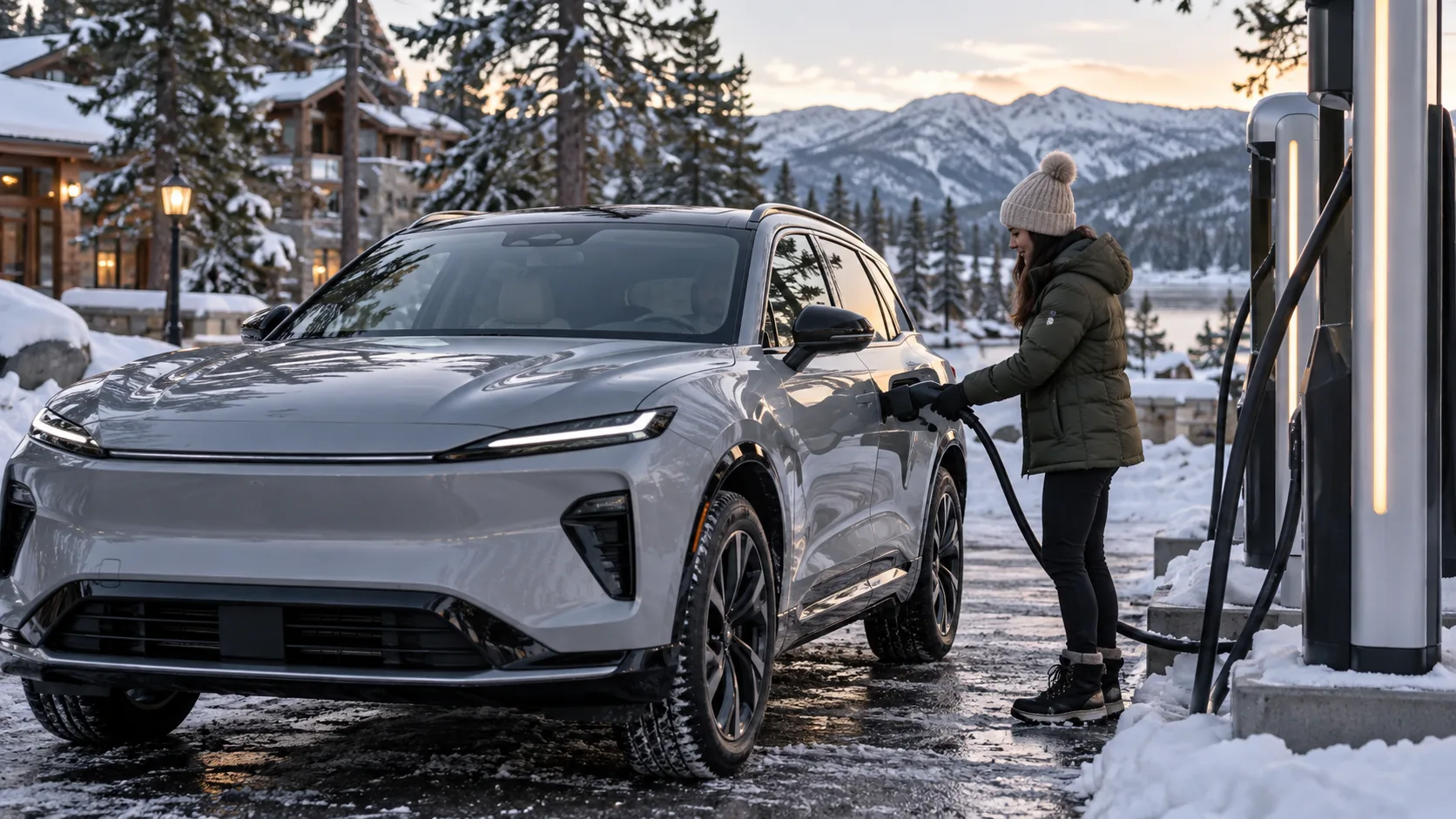
For many first-time EV mountain drivers, the biggest surprise is: charging can feel slower in the cold. That's not unusual. A cold battery may accept power more slowly until it warms up.
Tesla's winter guidance and owner materials both point to the same strategy: preheat the battery before fast charging whenever possible.
The three most useful habits
1) Navigate to the Supercharger from the car
If you plan to use a Tesla charging location, enter it into the in-car navigation. That allows Trip Planner to precondition the battery as you approach, improving charging performance when you arrive.
In the Model Y manual, Tesla recommends navigating to a charging location 30–45 minutes before arrival whenever possible, so the battery has enough time to warm up.
2) Keep the vehicle plugged in overnight when you can
If your hotel, condo, or cabin has Level 2 charging, use it. Tesla specifically recommends leaving the vehicle plugged in when not in use so the car can use external power to help maintain battery temperature instead of relying only on stored energy.
3) Precondition before departure
In cold weather, Tesla recommends turning on preconditioning 30–45 minutes before you leave. You can do this in the app or through the Schedule feature.
That helps with more than comfort. It also improves:
- battery temperature,
- initial efficiency,
- regenerative braking recovery,
- and overall charging performance later in the trip.
One realistic note about very slow outlets
If you're relying on a standard 120V outlet in very cold weather, charging may be extremely slow. Tesla notes that in temperatures well below freezing, the power needed to keep the battery warm can approach or exceed what a standard household outlet can provide.
So for overnight winter stays in Big Bear or Mammoth, lodging with Level 2 charging is strongly preferred.
05 | Cold weather range: don't chase a magic number—plan for extra buffer instead
The honest answer is simple: winter range loss is normal. The goal is not to panic about it—it is to expect it and plan around it.
Tesla's explanation is straightforward: in cold weather, the car uses more energy to:
- 1move the vehicle,
- 2heat the cabin,
- 3and warm the battery.
Snowy roads, slush, headwinds, low tire pressure, and even snow left on the exterior can add to that energy use.
What you may notice in the car
- A blue snowflake icon on the display, indicating some stored battery energy is temporarily unavailable because the battery is cold.
- Reduced regenerative braking until the battery warms up.
- Higher-than-normal consumption early in the drive, especially right after a cold start.
What helps in real life
- Precondition before driving.
- Use seat heaters and avoid over-heating the cabin.
- Clear snow from the roof, hood, glass, and rear surfaces.
- Keep cameras, sensors, and air intakes free of snow and ice.
- Maintain proper tire pressure.
- Drive smoothly and avoid hard acceleration or braking.
- Use navigation and the Energy app to keep an eye on projected arrival range.
Instead of asking whether range will drop by 10% or 30%, the better approach is this: leave yourself extra safety margin and extra battery margin. That's far more useful than trying to predict one fixed number.
06 | How to think about battery planning for Big Bear vs Mammoth
There is no one perfect number, but the planning mindset does change depending on the trip.
For Big Bear and similar nearby mountain trips
If you're driving up from Los Angeles, Orange County, or the Inland Empire, the total distance may be manageable—but the elevation gain is real.
A good approach:
- Leave with more charge than you normally would.
- Confirm your remaining range once more before the final climb.
- Do not assume downhill regen will completely “save” your plan.
- If it's a same-day trip, review weather and traffic again before descending.
For Mammoth-style winter road trips
Mammoth is more of a true winter EV road trip.
That means:
- Keep navigation on and let Trip Planner manage charging.
- Don't casually skip key charging stops.
- Reassess if weather, wind, or traffic becomes worse than expected.
- Prioritize lodging with charging—it makes the second day much easier.
07 | What else should you carry?
Beyond tires and charging, a few simple items make winter travel easier:
- warm jacket, gloves, and hat,
- waterproof boots,
- charging cable and power bank,
- winter-rated windshield washer fluid,
- a towel or work gloves for chain handling,
- water and snacks,
- a flashlight or headlamp,
- and, if you're renting, easy access to the registration, insurance card, and roadside assistance information.
Before you leave, also make sure you:
- check weather and road conditions,
- confirm charging at your lodging,
- verify your key / phone key works properly,
- check tire pressures,
- clear the glass and wipers,
- and remember that driver-assistance features such as FSD (Supervised) or Autosteer may be limited in snow, ice, or poor visibility—you must be ready to drive manually at any time.
08 | Final takeaway
A Tesla winter trip to Big Bear or Mammoth does not need to feel intimidating. In fact, with the right preparation, it can be a very comfortable and enjoyable way to travel.
What really determines whether the trip feels easy is not whether the vehicle is electric. It's whether you took care of the basics in advance:
- confirm the tire setup,
- understand chain control,
- plan charging intentionally,
- and expect winter range to be different.
Do those things, and winter mountain driving becomes much less stressful—and much more fun.
Sources and note
This article is based on official materials and is intended as general trip guidance. Actual requirements and vehicle behavior may vary by Tesla model, wheel/tire configuration, software version, temperature, and road conditions. Always follow your vehicle's owner documentation, in-car prompts, and local road-authority instructions.
- Tesla Support — Winter Driving Tips
- Tesla Model Y Owner’s Manual — Cold Weather Best Practices
- Tesla Model Y Owner’s Manual (North America)
- Caltrans — Chain Controls / Chain Installation
- Tesla Model Y — Tire Care and Maintenance / approved tire chains
- Tesla Cybertruck — Inspecting and Maintaining Tires / tire chains
- Caltrans QuickMap — current closures and chain controls
- Caltrans Road Conditions — route-specific conditions